
I’ve Got My Replacement SIM – How Do I Activate It?
Just received your replacement SIM card? Don’t worry — getting it activated is quick and easy. Follow the steps below to set up your SIM and get back to using your mobile service in no time.
Here’s what you need to do to activate your new SIM card.
Step 1 : Log in to your Infimobile account .
Step 2 : Go to the SIM Replacement section and select pSIM to pSIM.
Step 3 : Complete the 2FA verification by confirming your email, SMS, and security questions.
Click on the email to receive an OTP in your mail/ click on the SMS to receive an OTP to your mobile number
Validate the OTP
Proceed to the security questions and provide your answers
After completing the 2FA verification via email/ SMS, and security questions, simply click on "Continue" to proceed with the SIM swap process.
Step 4 : If you're switching to a new device, please select “Yes, I’m switching to a new device” , If you’re continuing with your current device, choose “No, I’m using the same device.”
If you’ve selected "New Device" or " New Device " please enter the IMEI number of your device to verify its compatibility with our network. The device must also support physical SIM (pSIM) functionality
Select "Yes, I have a replacement card" to proceed with the process.
Step 5 : Please provide the sim card details—ICCID and activation code—and complete the billing address section and click on "Change sim card ".
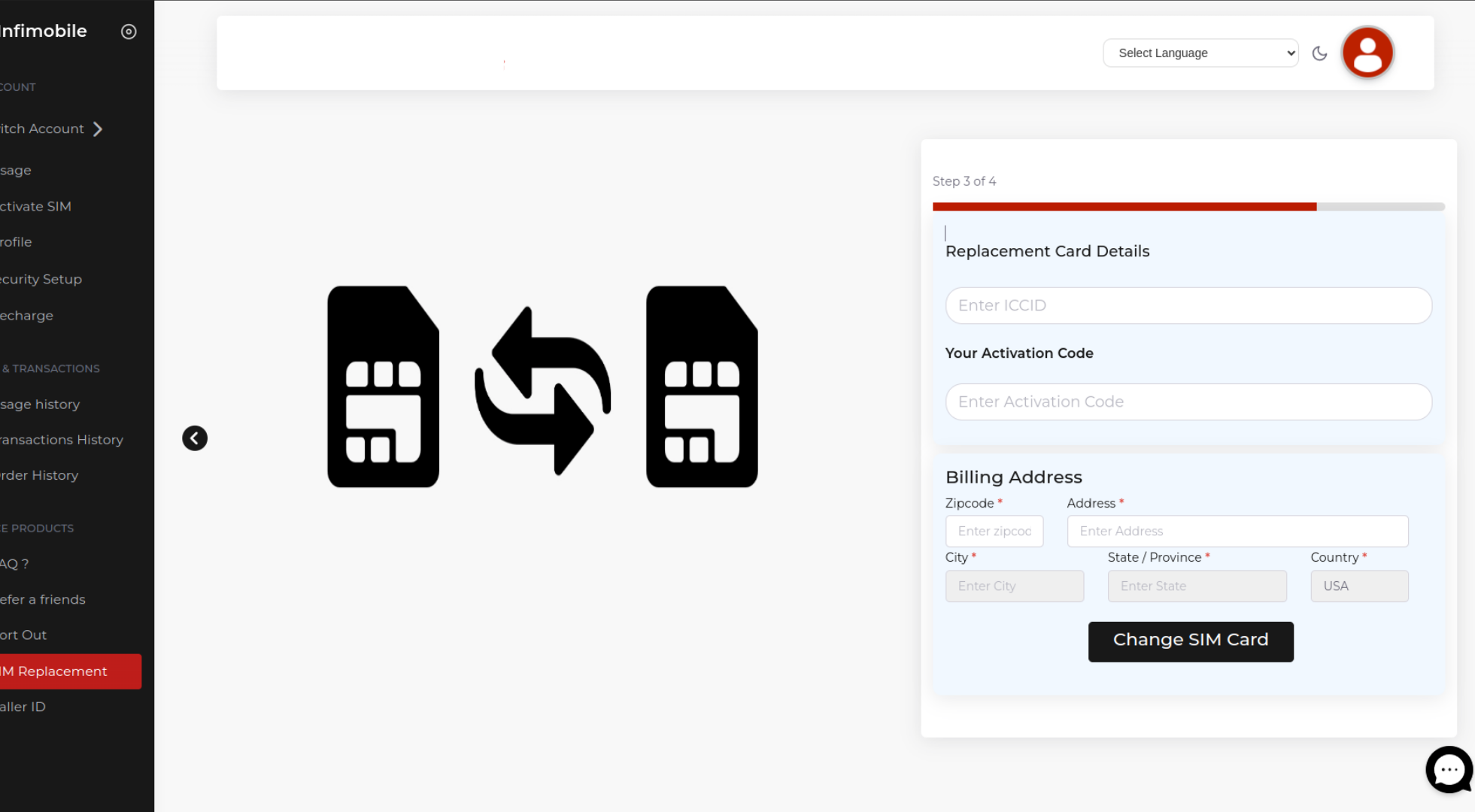
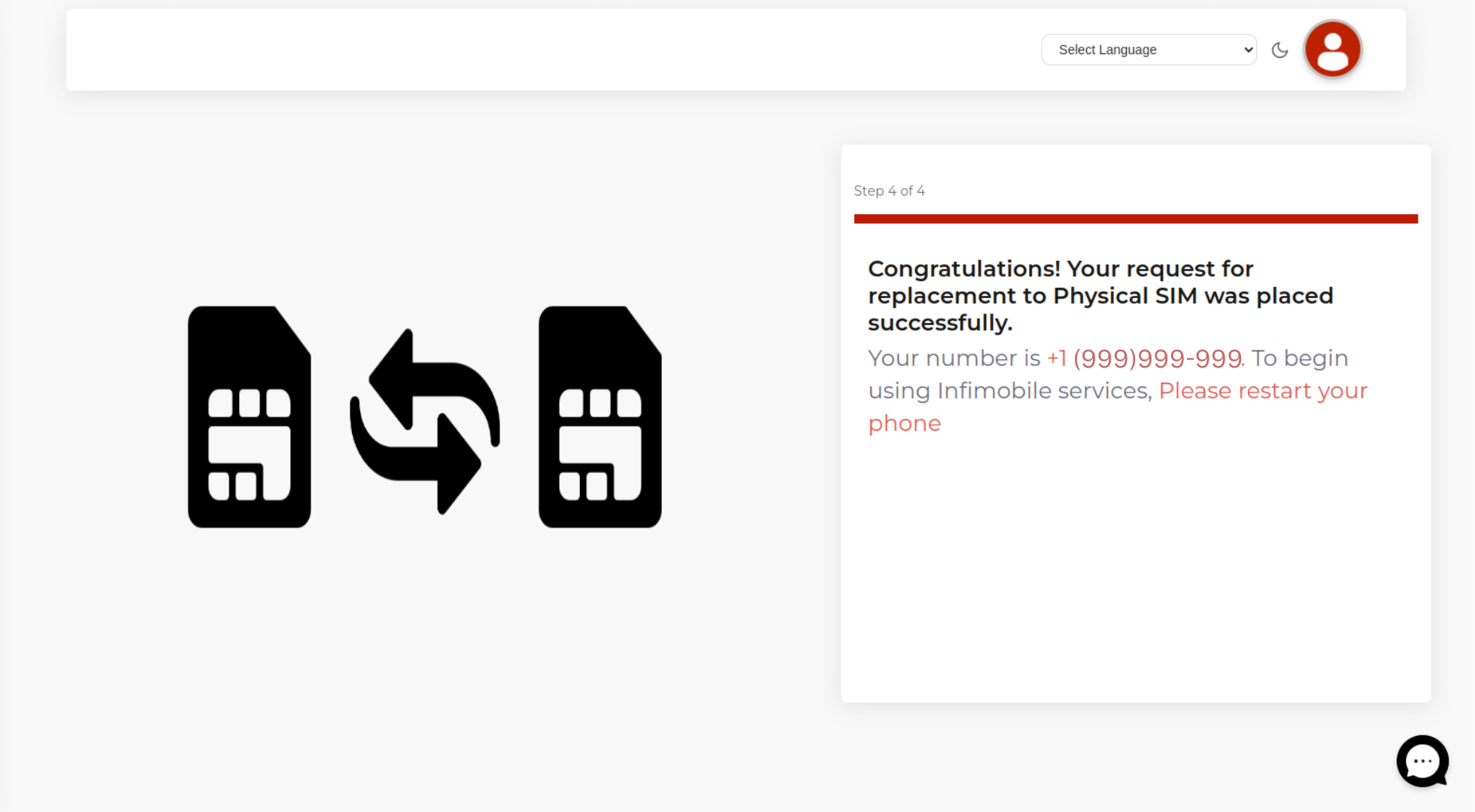
Through this process, you can swap out your physical SIM and activate the new SIM card.
Need Help?
If you encounter any issues during the replacement process, feel free to reach out to our customer support (855) 484-1855 / (855) 686-0102 or email support@infimobile.com for assistance.