
Infimobile APN Setup Guide for Verizon: Connect Instantly
We’re thrilled to have you with us. With your new Infimobile SIM powered by Verizon’s reliable network, you can enjoy seamless connectivity, fast data speeds, and dependable service across the country
If you're unable to access mobile data, please follow these steps to configure your Access Point Name (APN) settings:
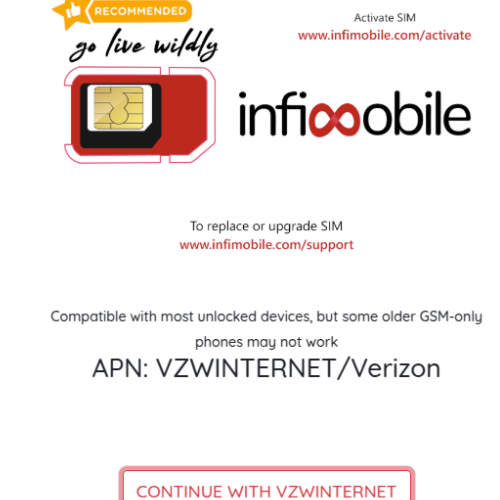
Step 1: Insert Your SIM and Restart Your Device
Insert your Infimobile SIM card into your phone.
Restart your device to ensure proper activation
Step 2: Re-insert the SIM if Needed
If your SIM card is already inserted but you are facing connectivity issues, remove and re-insert it.
This helps refresh network settings and ensures smooth activation.
Step 3: Configure APN Settings for Data Services
Go to: Settings > More > Mobile Networks > New APN
Enter the following details:
Name: VERIZON
APN: VZWINTERNET
MMSC: http://mms.vtext.com/servlets/mms
MCC: 310
MNC: 012
APN Type: Default, DUN, SUPL
APN Protocol: IPv4/IPv6
APN Roaming Protocol: IPv4
Bearer Options: HSPA, GPRS, EDGE, EHRPD, UMTS, LTE, HSPAP, HSBPA, NR, HSUPA
Step 4: Save and Restart
After entering the APN details, save the settings.
Restart your device to apply the changes.
The following APN settings are compatible with both physical SIMs and eSIMs.
Need Help?
If you encounter any issues during the activation process, feel free to reach out to our customer support (855) 484-1855 / (855) 686-0102 or email support@infimobile.com for assistance.