
Infimobile APN Setup Guide for T-Mobile : Connect Instantly
We’re thrilled to have you with us. With your new Infimobile SIM powered by T-Mobile’s reliable network, you can enjoy seamless connectivity, fast data speeds, and dependable service across the country.
If you're unable to access mobile data, please follow these steps to configure your Access Point Name (APN) settings:
Activating eSIM on iOS Devices
Open Settings on your iPhone.
Navigate to Cellular.
Tap on Add eSIM.
Select Use QR Code.
Choose Enter Details Manually.
Enter the SM-DP+ Address:
verizon.idemia.io, then tap Next.Enter the Activation Code:
BRTPK-PDNMW-AIUXL-O6665, then tap Next.No Confirmation Code is needed, simply tap Next again.
Your eSIM should now be successfully activated!
Activating eSIM on Android Devices
Open Settings.
Go to Connections or Network & Internet.
Select SIM Manager or SIMs.
Tap on + Add eSIM or + Add SIM.
Choose Other Ways to Connect to a Mobile Network or Set up an eSIM.
Select Scan QR Code or Use a Different Network.
Tap Enter Activation Code or Need Help, then select Enter it Manually.
Input the following Activation Code:
LPA:1$t-mobile.idemia.io$BRTPK-PDNMW-AIUXL-O6665, then select Done or Continue.
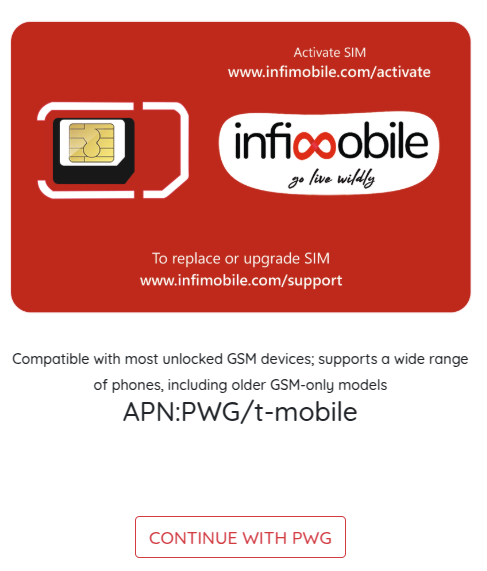
The following APN settings are compatible with both physical SIMs and eSIMs.
Need Help?
If you encounter any issues during the activation process, feel free to reach out to our customer support (855) 484-1855 / (855) 686-0102 or email support@infimobile.com for assistance.