
Where can I find my remaining Minutes, Messages, and Data balance?
Edited
You can monitor your remaining balance through your online dashboard or the Infimobile app. Here’s how to do it:
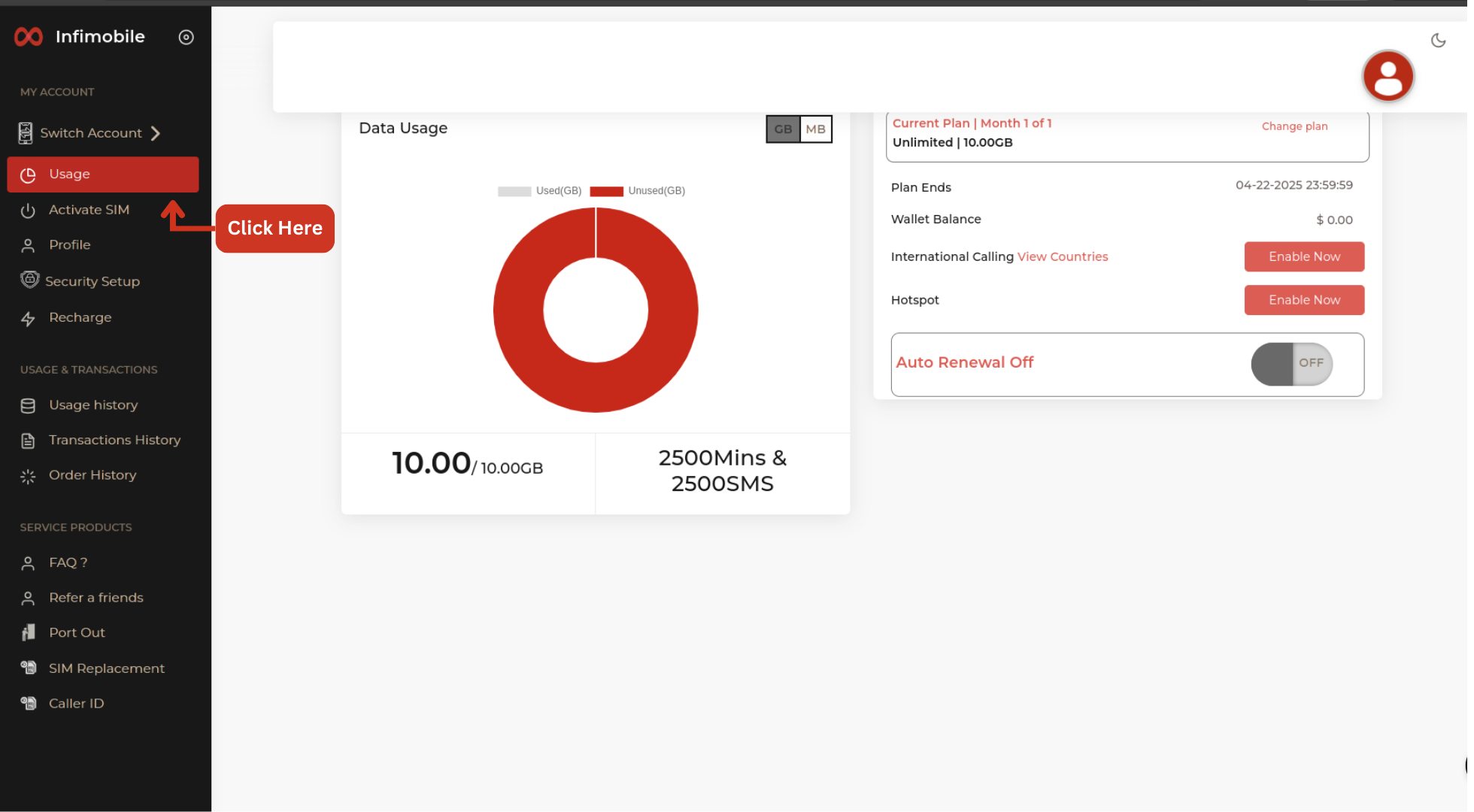
From the Dashboard
Log in to your account, and you’ll land on your dashboard.
Click on "My Account," then navigate to "My Usage".
You can view your remaining minutes, texts, or data under the "data usage " tab.
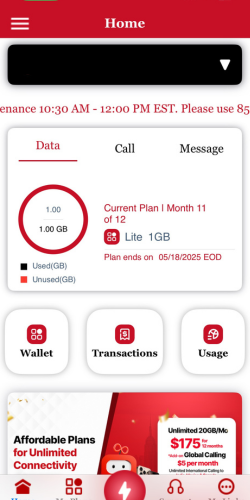
From the Mobile App
Log in to your account, and you’ll land on your dashboard.
Click on "My Account", then navigate to "My Usage".
You can view your remaining minutes, texts, or data .
If you have any queries, don’t hesitate to contact us at (855) 484-1855 or (855) 686-0102, or send an email to support@infimobile.com
Was this article helpful?
Sorry about that! Care to tell us more?